Fluxdesk

A cutting-edge remote desktop application built with .NET 10 and Avalonia UI, designed for ultra-low latency control and high-performance screen streaming. Combines DirectX Desktop Duplication API for hardware-accelerated screen capture with WebRTC DataChannels for near-instantaneous input transmission, delivering a smooth remote desktop experience optimized for gaming, productivity, and real-time applications.
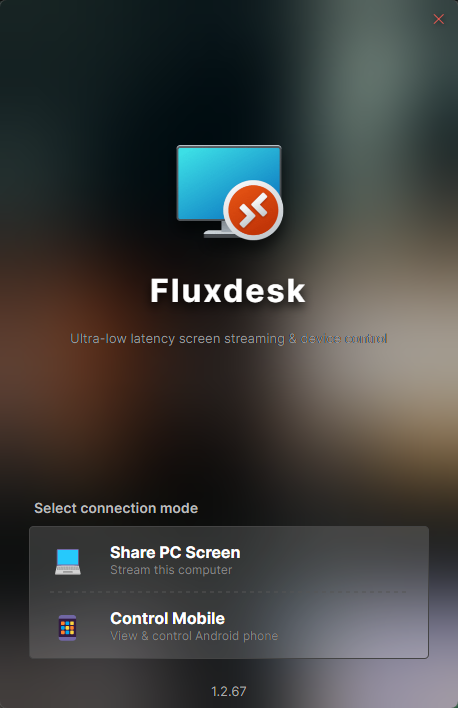
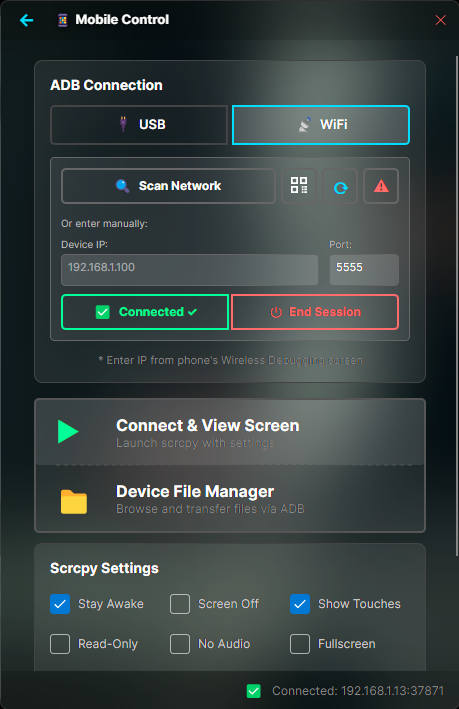
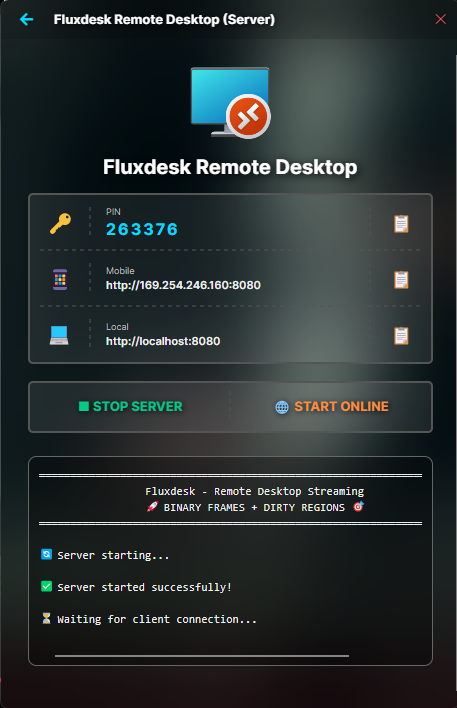
Fluxdesk Interface Fluxdesk Interface Fluxdesk Interface

WebRTC Ultra-Low Latency

Experience UDP-based input controls with less than 10ms response time, delivering near-instantaneous control for gaming and real-time applications. WebRTC DataChannels bypass traditional HTTP overhead for direct peer-to-peer communication.

Advanced buffering strategies and adaptive bitrate streaming ensure smooth performance even on variable network conditions. Real-time statistics monitoring provides insights into connection quality, packet loss, and latency metrics.

DirectX Screen Capture

Hardware-accelerated screen capture at 60 FPS using DirectX Desktop Duplication API with zero-copy GPU memory access for silky-smooth streaming. Leverages SharpDX for direct GPU buffer manipulation without CPU overhead.

Multi-threaded JPEG encoding with 4+ parallel encoder threads and bitmap pooling ensures maximum throughput while keeping CPU usage minimal. Advanced memory management reduces pressure and prevents frame drops during high-activity scenarios.

60 FPS

Dirty Region Optimization

Binary frame protocol with custom 64x64 tile-based dirty region tracking reduces bandwidth by 70-95% in static scenes through selective tile encoding. Only changed screen regions are transmitted, dramatically reducing network requirements.

Automatic keyframe insertion ensures visual consistency while frame skip detection maintains efficient streaming. Quality presets allow users to balance visual fidelity with bandwidth constraints for optimal performance across network conditions.

64×64 Tiles

Gaming-Optimized Controls

Dual mouse modes with touchpad and direct positioning, virtual joystick with configurable WASD controls, and customizable action buttons designed specifically for gaming. Haptic feedback support provides tactile response for mobile users.

Full touch gesture support including two-finger scrolling, long-press for right-click, pinch-to-zoom, and drag-and-drop button positioning. Resizable control elements and layout saving allow personalized control schemes for different games and applications.

Modern Technology Stack

.NET 9
Avalonia UI
WebRTC
DirectX 11
SharpDX
WebSocket
C#
JavaScript
JPEG Encoding
Binary Protocol